
A tenant is one isolated environment within your organisation. Each tenant has its own users, sessions, applications, branding, and audit log — entirely separate from every other tenant under the same org.
Tenants are your sub-units. What you put in a tenant depends on how you've sliced your business:
- By product line. A
bankingtenant for your banking product,healthfor healthcare,retailfor retail. Each product gets its own users + branding + MFA policy. - By environment.
stagingandprodfor the same product. Cheap; keeps test users out of production data. - By region.
euandusfor data-residency or compliance separation.
You can mix patterns — a Cymmetri-style org might have banking-prod, banking-staging, and health-prod all under one organisation. Tenants are designed to be plentiful; spin them up when separation is useful.
The list view
Section titled “The list view”The Tenants page lists every tenant your organisation has created — active, suspended, decommissioned. The toolbar has a Create tenant button at the top right; the table below carries name, state, plan, region, and a few quick actions.
On a fresh organisation, there are no tenants yet — the page shows the empty state instead:
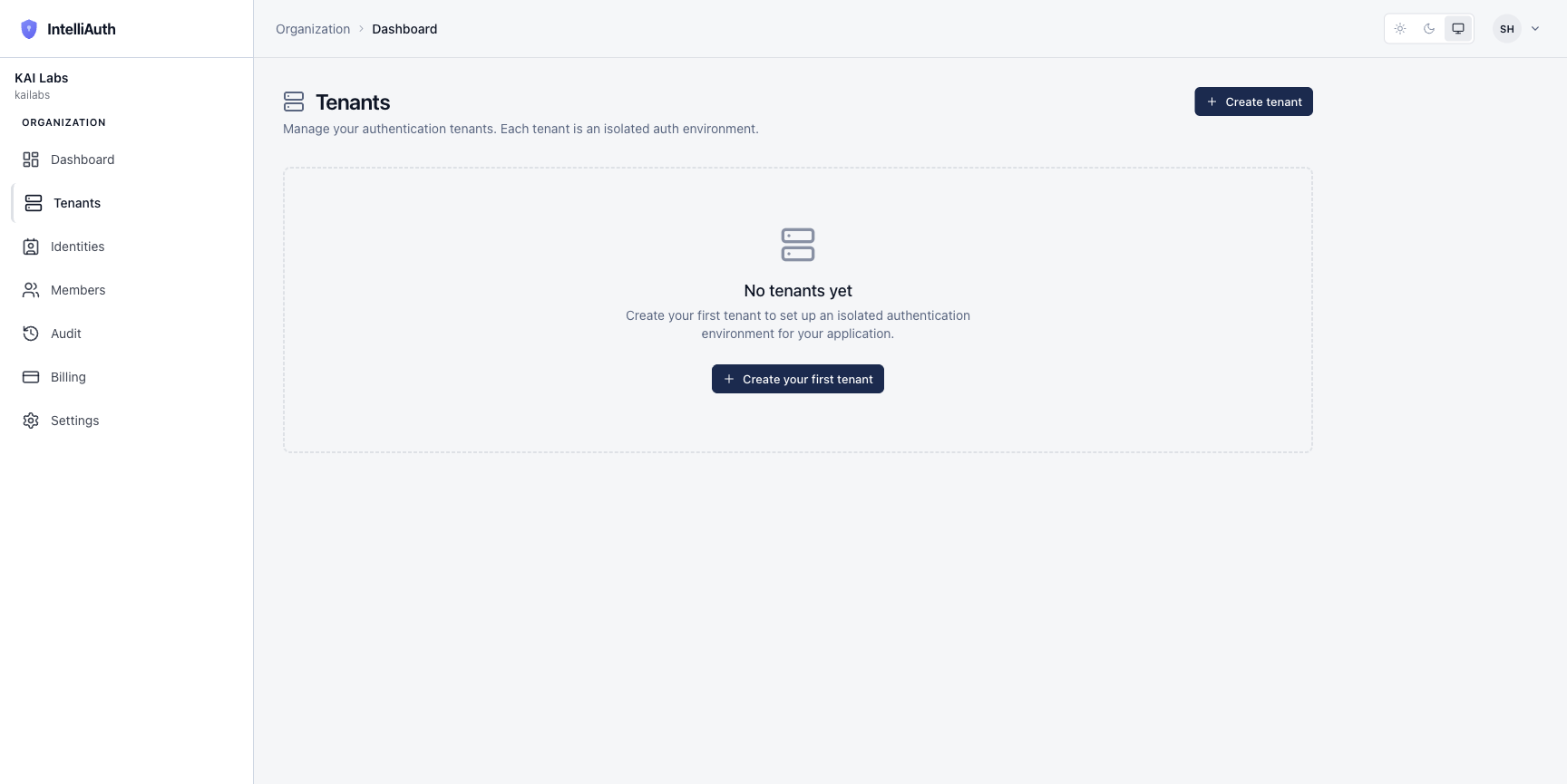
The two "Create tenant" affordances open the same dialog. Provision a new tenant walks through the form field by field.
What a tenant carries
Section titled “What a tenant carries”Every tenant has, at minimum:
- A slug — like
bankingorprod. Appears in the tenant's URL as<slug>-<org-slug>.<domain>(e.g.banking-cymmetri.intelliauth.local). - A name — the friendly label that shows in your control plane dashboard.
- A region — where the tenant's resources are placed.
- A plan tier — defaults to your organisation's plan; can be overridden per-tenant if your plan allows.
- A first admin — the human you (the org owner) designate to run this tenant on day one. They get the activation email; from then on they manage the tenant's apps, users, MFA, branding without needing org-level access.
After creation, a tenant gets its own admin console at https://<slug>-<org>.<domain>/admin, where the tenant admin manages everything tenant-scoped. From your org-level seat (the control plane) you keep a bird's-eye view: which tenants exist, what state they're in, what plan they're on, when they last had activity.
Where to go next
Section titled “Where to go next”- Create your first tenant. Provision a new tenant.
- Learn the state machine. Tenant lifecycle walks through pending → provisioning → active → suspended → decommissioned.