
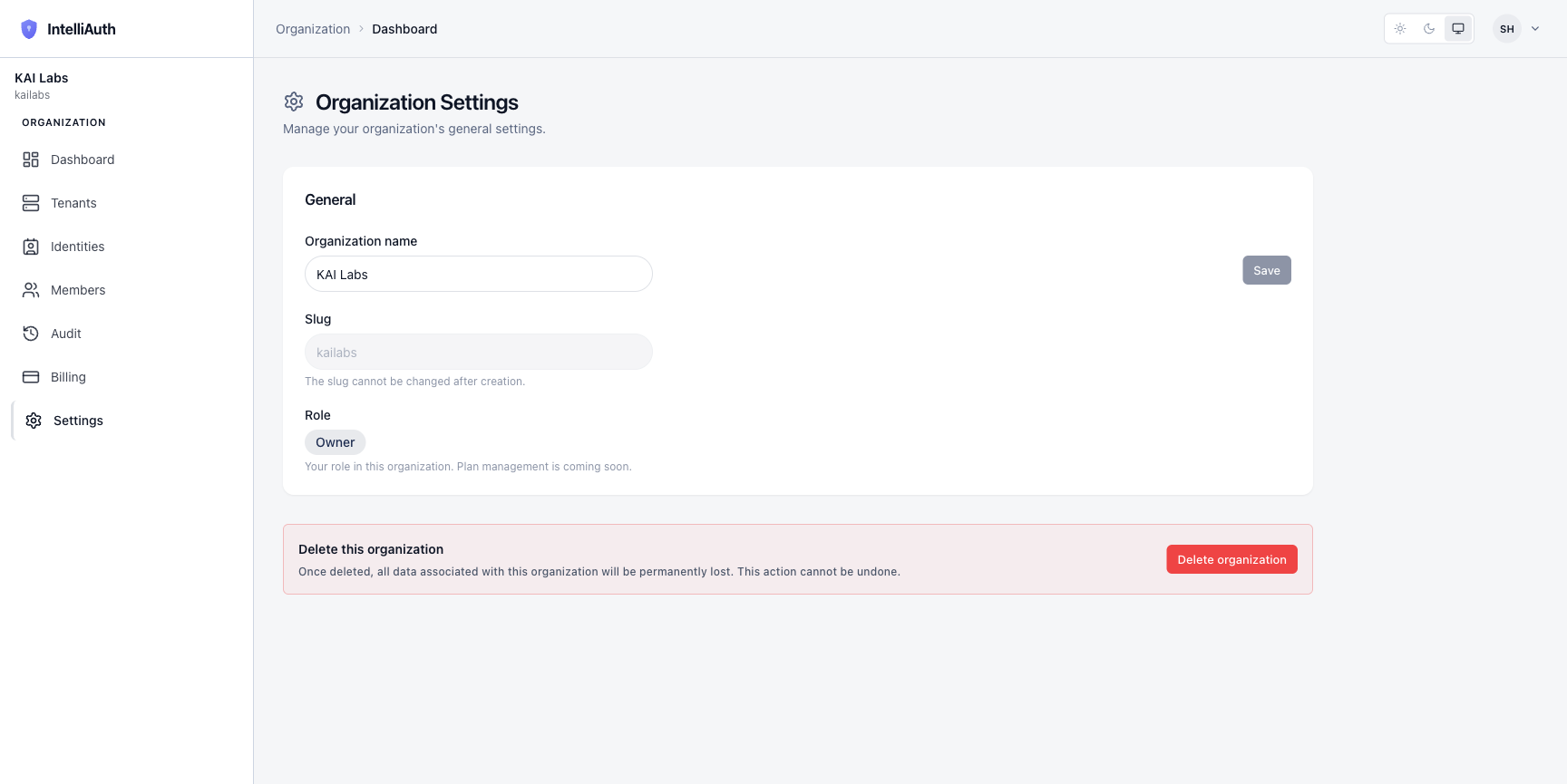
The Settings page holds two surfaces: the General section (rename your org, see your slug and your role) and a Danger zone (delete the entire organisation). Both live under one URL, with the danger zone visually separated below.
General
Section titled “General”Three fields, in order:
- Organization name. Editable. The friendly label that shows up in invites, audit log entries, and emails to your team. Renaming is instant; no downtime, no re-issued tokens.
- Slug. Read-only. The subdomain piece (e.g.
kailabs) you chose at signup. It cannot be changed because tenants, URLs, and external integrations all derive from it. If you genuinely need a different slug, the path is: create a new organisation, migrate your tenants, then delete the old one. - Role. Read-only. Shows your role in this organisation (owner, admin, viewer). For plan management, see Billing once that lands for your plan.
The Save button next to the name field stays disabled until you've actually changed something.
Danger zone — delete this organisation
Section titled “Danger zone — delete this organisation”Below the General section sits a single, prominent Delete organization button. Clicking it opens a confirm dialog that requires you to type the organisation slug to proceed — an intentional friction so you can't accidentally drop everything.
Deletion is a cascade. It:
- Decommissions every tenant (running the deprovisioning saga for each).
- Releases all storage, compute, and identity resources held by those tenants.
- Removes all members.
- Archives the organisation record itself.
What's left after deletion: audit log entries retained for compliance, and any decommissioned-tenant records held under retention policy. Both are read-only from this point.
Even admins can't delete the organisation. The action is gated to the role marked owner — and there's only one. If the owner is unavailable, ownership has to be transferred first.