
Members are the humans operating this organisation — you, your engineers, ops, identity team. Not the end-users authenticating against your tenants (those live inside each tenant as identities). The Members page is where you invite, manage, and remove that platform-operator group.
Members sit at the organisation level; they sign in to the control plane and manage tenants. Identities (a different page) is the read-only aggregate view of every end-user across every tenant — the actual humans signing into your products. The two surfaces look similar but answer different questions.
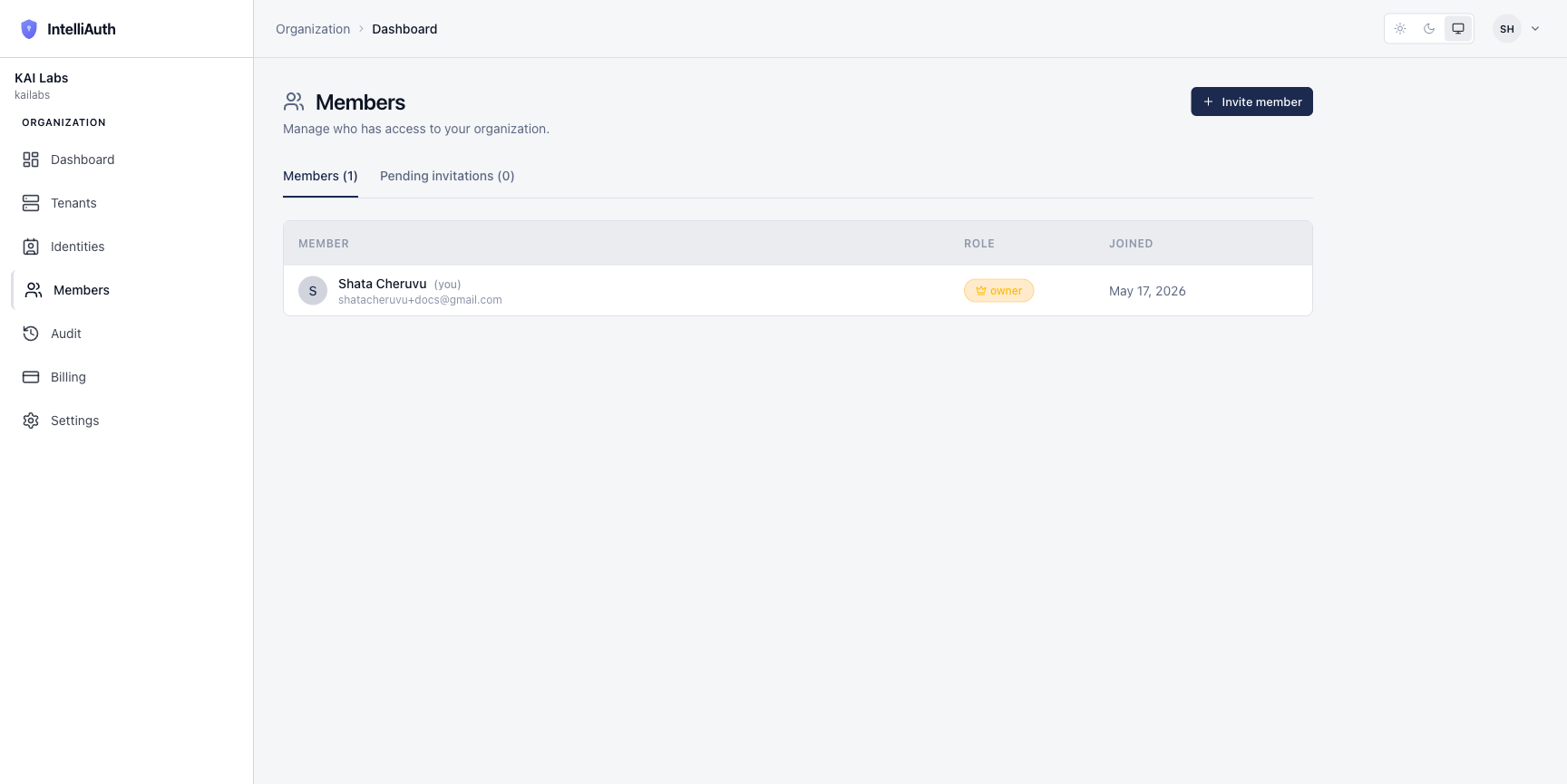
The list view
Section titled “The list view”The Members page splits into two tabs:
- Members — humans who have accepted the invitation and have an active seat.
- Pending invitations — invitations sent but not yet accepted. You can resend or revoke them from here.
Each row in Members shows their initial-avatar chip, display name, email, role, and join date. The owner of the organisation (the person who signed up to create it) gets an owner badge and can't be removed by anyone else.
Roles, briefly
Section titled “Roles, briefly”Three roles ship today:
- Owner — full control, including dangerous actions (deleting the org). The signup user gets this automatically; transferring it is a separate flow.
- Admin — full operational access, can't delete the org or transfer ownership.
- Viewer — read-only access to the organisation. Useful for stakeholders who need to see what's going on without changing anything.
A member's role can be edited from their row in the list. The owner can change any other member's role; admins can change anyone below them.
Where to go next
Section titled “Where to go next”- Invite a member. Invite a member walks through the dialog and the role choices.
- Manage existing members. Edit their role, remove them, or transfer ownership — all from the row actions on this page.