
Cancellation is the escape hatch for a provisioning workflow you no longer want to complete. You clicked Create, the saga is running, but something tells you the answer is "no" — wrong slug, wrong plan, wrong admin email, customer changed their mind. Cancel before the saga finishes; the platform rolls back what it's done, the tenant doesn't go live.
When cancel is the right move
Section titled “When cancel is the right move”The window is short. Cancel applies only while the tenant is in Provisioning state — once the saga reaches MarkActive and flips to Active, cancel isn't a thing anymore (you're now in Suspend / Decommission territory). Within that window:
- You submitted with a wrong value. The slug has a typo, the admin email is wrong, you picked the wrong plan tier. Cancel rather than waiting for completion + decommissioning.
- The saga is taking unusually long. If you suspect the provisioning is stalled and want a clean restart, cancel + retry from scratch.
- The customer changed their mind mid-provision. Rare but possible — they were going to spin up but pulled back.
How to cancel
Section titled “How to cancel”From the tenant detail page (state = Provisioning), the Actions section is where the Cancel provisioning button appears.
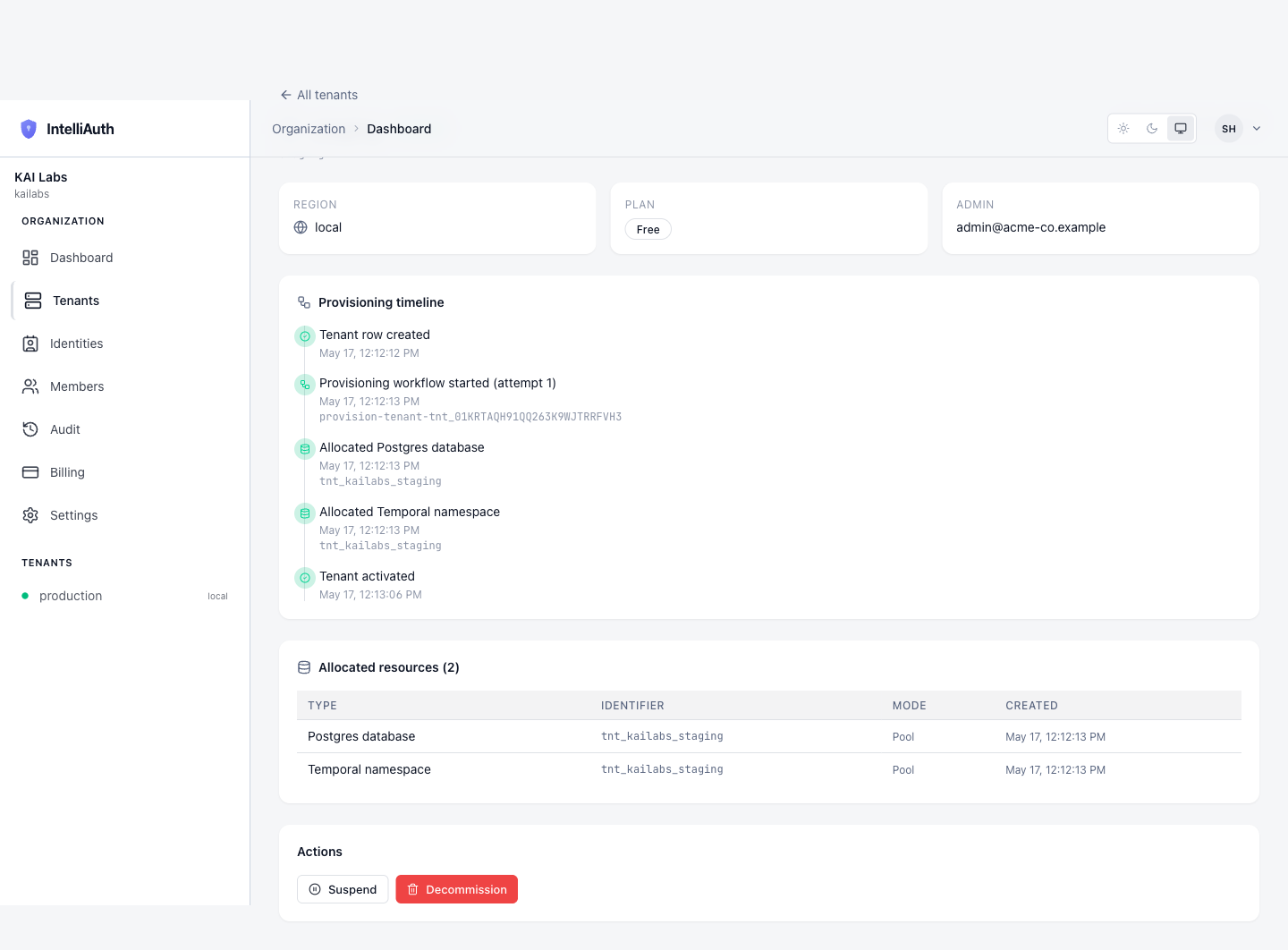
Observed behaviour as of 2026-05-17: in some environments the Cancel button stays hidden during the entire saga because the workflow handle isn't reliably persisted to the tenant record. In those environments cancellation is reachable only through the control plane API directly — see Reference — API. The UI affordance documented here is what the system is designed to surface once that wiring lands; the API path remains available regardless.
Click Cancel provisioning. The platform:
- Signals the running workflow to abort.
- Runs the compensation chain in reverse order, releasing any resources allocated so far.
- Flips the tenant's state to Pending (not Failed — cancellation is a clean stop, not a failure).
- Emits
tenant.provisioning.cancelledto the audit feed.
What happens after cancel
Section titled “What happens after cancel”The tenant lands in Pending state with no resources held. From there:
- Retry provisioning. Same tenant, same slug, fresh attempt. Useful if you cancelled because of an unusual delay and now want to try again.
- Decommission. Release the slot entirely, freeing the slug for reuse. Useful if you cancelled because the parameters were wrong; decommission first, then create fresh with the right values.
- Leave it. A pending tenant doesn't cost anything. It can sit there indefinitely until you decide.
Cancel vs decommission
Section titled “Cancel vs decommission”Two destructive-ish actions, two different shapes:
- Cancel aborts an in-flight workflow. Only available during provisioning. Reversible (retry brings it back).
- Decommission releases an active or suspended tenant. Available post-provisioning. Reversible only via recreate (a fresh tenant, not the same data).
If you can cancel, prefer cancel — it's cheaper (less resource churn) and the state machine is cleaner (Pending vs Decommissioned).